

Paid advertorial · Independent publisher; not the product provider

Why Does Every Page Feel Slower Than It Should?

What actually loads when you open a page, how ad blocking changes it, and an honest look at Total Adblock — a Chrome extension published by Total Security Limited.

Get Total Adblock

Sponsored link — opens the Chrome Web Store listing in a new tab.

A person using a laptop displaying a generic web page crowded by advertising panels
6 August 2026
7 min read
Chrome extension
Free tier + paid plan

You click a link and wait. The headline appears, then nothing. Then a grey rectangle. Then the paragraph you wanted, which promptly slides three centimetres down the screen because something above it finally finished loading. Then a video starts playing somewhere off to the right, and you spend a moment hunting for the small grey cross that turns it off.

That experience is not your connection failing. It is the ordinary consequence of how a lot of pages are assembled. This piece looks at what is actually being loaded, what blocking it changes, what it does not change, and how Total Adblock handles the job — including the parts of the arrangement worth knowing before you install anything.

What Is Actually Loading on That Page

Open the developer tools on a typical free news site and watch the network panel fill up. The article text is a small fraction of it. The rest is advertising infrastructure: the ad exchange, several bidding partners each given a moment to compete for the slot, measurement and viewability scripts, a consent management platform, session recording, a social embed, a chat widget.

Each of those is a separate connection to a separate company's server, and each one has to be negotiated before it can deliver anything. On a fast fibre line that is an annoyance. On patchy mobile data it is the difference between reading something and giving up.

It also explains the jumping. Advertising slots are frequently sized only after the ad arrives, so the layout rearranges itself late, moving the sentence you were reading. That specific frustration has a name in web performance circles, and it is one of the things blocking removes almost entirely.
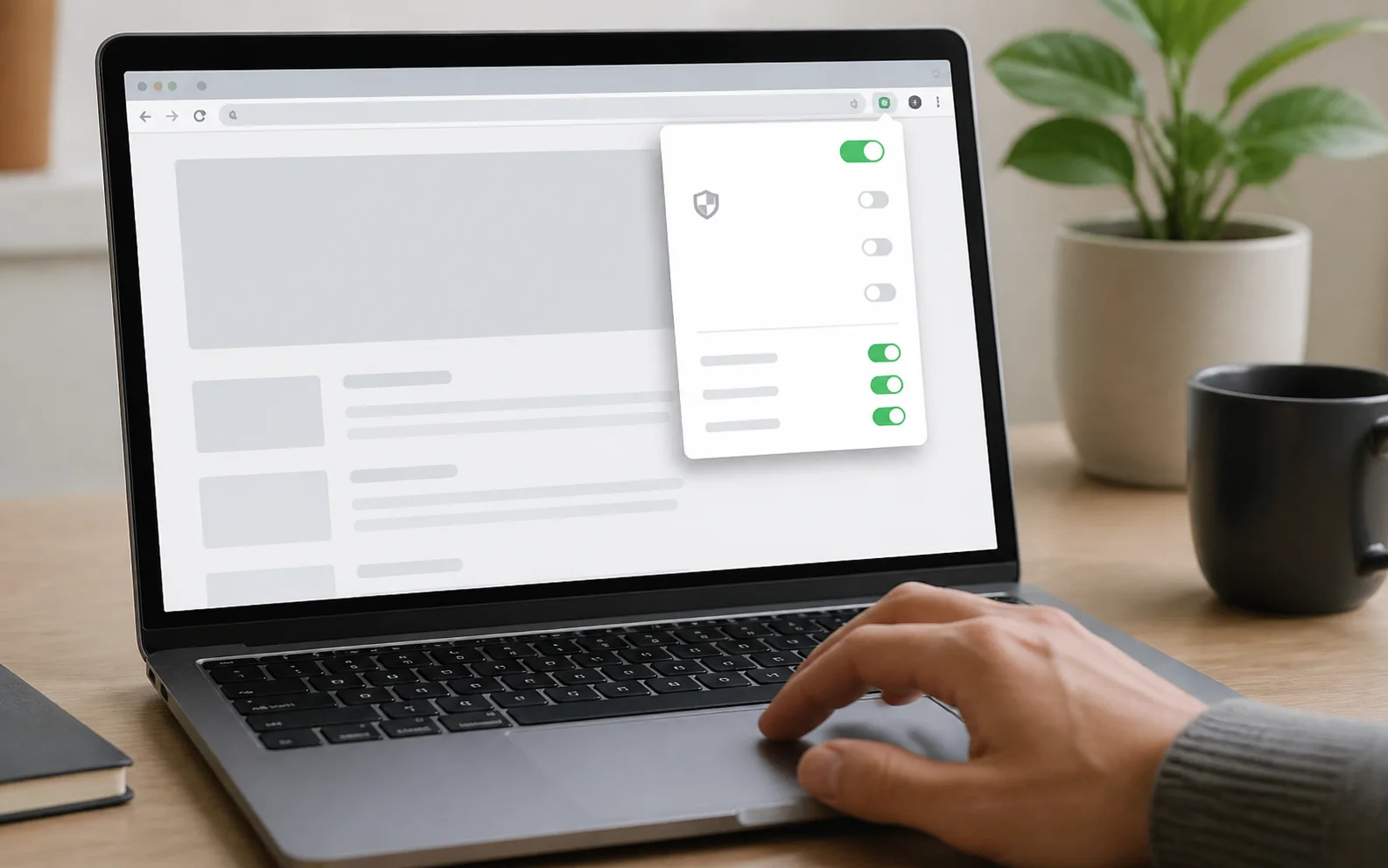
A laptop browser displaying a generic extension panel with unlabeled controls
Illustrative browser-extension controls; this is not a Total Adblock interface screenshot.

What Blocking Changes, and What It Doesn't

An ad blocker carries filter lists describing which requests belong to advertising and tracking infrastructure, and refuses them. A second set of rules hides whatever containers are left so you are not reading around empty boxes.

The gains are real and easy to notice: fewer interruptions, less layout shift, less data pulled down, and one widespread form of cross-site tracking cut off. On an older laptop the drop in fan noise is its own small argument.

The limits deserve equal billing. This is not anonymity. Your internet provider still sees your traffic, any site you sign into still knows who you are, and first-party analytics served from the site's own domain often carry on regardless. Nor is it security software. And occasionally blocking breaks something — a player that will not start, a checkout that stalls — which is precisely why an allow list matters.

What People Actually Want From a Blocker

The wishlist that comes up again and again is refreshingly boring. Nobody is asking for a dashboard:

  • It should work the moment it is installed, with no configuration session
  • It should deal with the intrusive formats first — pop-ups, interstitials, pre-roll video
  • Switching it off for one site should take two clicks, and switching it back on the same
  • It should not become another source of notifications and upgrade prompts
  • The cost, if there is one, should be obvious before signing up, not after
  • The publisher should be clear about what the extension can see

That last point is fair rather than paranoid. An ad blocker reads every page you open by design, so who publishes it and what they say about data handling is a reasonable thing to check.

A Closer Look at Total Adblock

Total Adblock is published by Total Security Limited. On August 6, 2026, its Chrome Web Store listing displayed a Featured badge, approximately 800,000 users and a 3.3 out of 5 average from 2.8K ratings. These store figures can change daily.

Browser and Coverage Checks

The linked offer is the Chrome extension. Other browser and mobile versions are separate downloads, and feature behavior can differ.

Chrome destination: every promotional button on this page opens the official Total Adblock Chrome Web Store listing.

Offer destination

Other platforms: the provider also advertises Edge, Safari, Opera, Android and iOS support, subject to current platform requirements.

Check the applicable store

Video platforms: the provider states that blocking on services such as YouTube and Facebook may be limited, especially in apps.

Results vary by platform

Managed devices: workplace or school policies may prevent extension installation or configuration.

Check device permissions

No ad blocker can guarantee that every advertisement, tracker or notification will be blocked on every website or platform.

How Its Main Pieces Play Out Day to Day

Six parts of the extension, described the way they actually behave across an ordinary week.

Ads, pop-ups and trackers refused

Filter lists identify supported calls to advertising and tracking servers, prevent those requests and hide some remaining page containers. The visible effect varies by website, browser and filter coverage.

Presets instead of filter syntax

Rather than a raw rule editor, blocking is tuned through switches you can reason about:

  • Speed — prioritise loading times
  • Privacy — prioritise blocking tracking
  • Security preset — provider-described blocking configuration; not antivirus
  • Hide cookie prompts — suppress consent banners
  • Social media widgets — block social network tracking
  • Advanced filters for anyone who wants them

It sits sensibly between a single on/off toggle and expecting people to write rules by hand.

In-play video advertising

Pre-roll and mid-roll spots on streaming pages are targeted alongside ordinary display advertising. Coverage varies by site and changes as platforms adjust their delivery, so this is the area where any blocker's results shift most over time.

Notification prompts and quiet mode

A separate irritation gets a separate switch. The provider describes controls for suppressing notification prompts and muting browser notifications.

An allow list for the exceptions

Sites you want to support, or sites that misbehave when scripts are blocked, can be excluded one at a time without disabling blocking everywhere.

Counters and cleanup tools

A performance panel tallies ads blocked, trackers blocked, pages loaded faster and data saved. Alongside it sit tools for clearing browsing history over a chosen window, removing cookies and emptying the cache. Treat the counters as the extension's own tally rather than an audited measurement.

Current Public Ratings

Chrome Web Store: 3.3/5 from about 2,900 ratings (displayed as 2.8K), with 800,000 users.

Trustpilot: 4.4/5 from 32,005 reviews.

Checked August 6, 2026. Figures change. Trustpilot states that anyone can write a review; the excerpts below were marked invited when checked.

“Total Adblock is amazing. I love being able to zip through websites without all those ads popping up everywhere.”
L Baschieri · June 5, 2026
“First time I have fully appreciated not having pop up adverts when I am in the middle of working on my P.C.”
Selena · May 27, 2026
“I followed the guidance and it was all sorted.”
Carole Pritchard · July 16, 2026
“My brower screens are clear of annoying unrelated popups and unessential traffic.”
Harry R. · July 26, 2026
“Easy install. Works imediatly.”
Brice · July 26, 2026

Source: Total Adblock reviews on Trustpilot. Excerpts are reproduced as displayed and do not represent guaranteed results or independent verification by Nexoracoreweb.

How Setting It Up Actually Goes

Four steps, none of which ask much of you.

  1. Install from the Chrome Web Store

    The extension is added from its store listing and begins filtering pages immediately.

  2. A 7-day trial starts

    Installing begins a seven-day trial of the premium features. No card details are required to start it.

  3. Choose a preset

    Tilt blocking toward speed, privacy or security, and decide about cookie prompts and social widgets.

  4. Add exceptions as they come up

    When a site breaks or deserves support, add it to the allow list instead of disabling blocking everywhere.

Who Tends to Benefit Most

Ad blocking pays off fastest for people whose browsing is already being taxed:

  • Anyone on a slow, patchy or metered connection
  • Readers of ad-heavy news, recipe and forum sites
  • Older laptops and phones, where scripts cost real battery
  • People who find pop-ups and notification prompts genuinely stressful
  • Anyone tired of the layout moving under their cursor

It suits some people less. If you deliberately support publishers by seeing their advertising, blocking works against that, and the allow list is the honest compromise. On a work machine, check whether extensions are permitted at all.

A Few Things Worth Weighing First

Before installing any blocker, compare a handful of practical points:

  • How much the free tier genuinely covers
  • What the paid plan costs on renewal, not just at signup
  • Which permissions the extension requests
  • How quickly the allow list can be reached
  • What the publisher says about the data it handles
  • How cancellation and refunds actually work

For Total Adblock specifically: the free tier does not cover everything, and blocking on many of the web's most popular sites sits behind the paid plan once the 7-day trial ends. Plans renew automatically at the then-current rate, so an introductory first-term price is not next year's price. The Chrome Web Store listing discloses that the item handles personally identifiable information, financial and payment information, authentication information and location, and the publisher states an IP address is recorded at install to allocate the trial. Read its own terms and privacy policy before subscribing.

Frequently Asked Questions

The questions that come up most, answered from the publisher's own published information.

What is Total Adblock?

A browser extension for Google Chrome, published by Total Security Limited, that blocks advertising, pop-ups and third-party trackers on the pages you load.

Does blocking ads really make pages faster?

Often, yes, because fewer requests are made and less script runs. How much faster depends entirely on the site, your connection and your device, so treat any single figure as an example rather than a guarantee.

What do I get without paying?

Installing starts a 7-day trial of the premium features with no card details required. After that you keep basic ad blocking free of charge, while blocking on many of the web's most popular sites requires a paid plan.

How do the paid plans work?

The vendor sells monthly, quarterly, six-month and annual plans that renew automatically at the then-current rate unless cancelled. It states refunds can be requested within 30 days on annual and six-month plans, or 14 days on monthly and quarterly plans, subject to its own terms.

Can I keep ads on sites I want to support?

Yes. The extension keeps an allow list, so you can exclude individual sites and leave blocking switched on everywhere else.

Is an ad blocker a privacy or security product?

Only partly. Blocking third-party trackers removes one common tracking method, but it is not anonymity, and an ad blocker is not antivirus software.

Official Sources Checked

Checked August 6, 2026. Current provider information takes precedence.

Check Whether Total Adblock Fits Your Browser

Blocking supported requests may reduce interruptions and page movement. Results vary by browser, platform, website, connection and device.

If that is what you are after, Total Adblock is one of the options worth looking at: blocking for ads, pop-ups and trackers, a notification mute, presets for speed, privacy or security, and an allow list for the sites that need one. Go in clear about the free tier's limits and how the subscription renews, and read the publisher's own terms and privacy policy before you subscribe.

Paid advertorial from Nexoracoreweb, operated by Ideias Impressas. Nexoracoreweb is an independent publisher, is not Total Security Limited, and does not provide Total Adblock billing, cancellation, refund or technical support. This sponsored link may generate compensation for the publisher. Features, compatibility, coverage, prices and subscription terms can change; verify current details with Total Adblock before installing or purchasing. See our Advertising Disclaimer and Privacy Policy.